Know which equipment needs attention.
See what changed, understand the issue, and carry the response through to the field.
Built for industrial operations and maintenance teams.
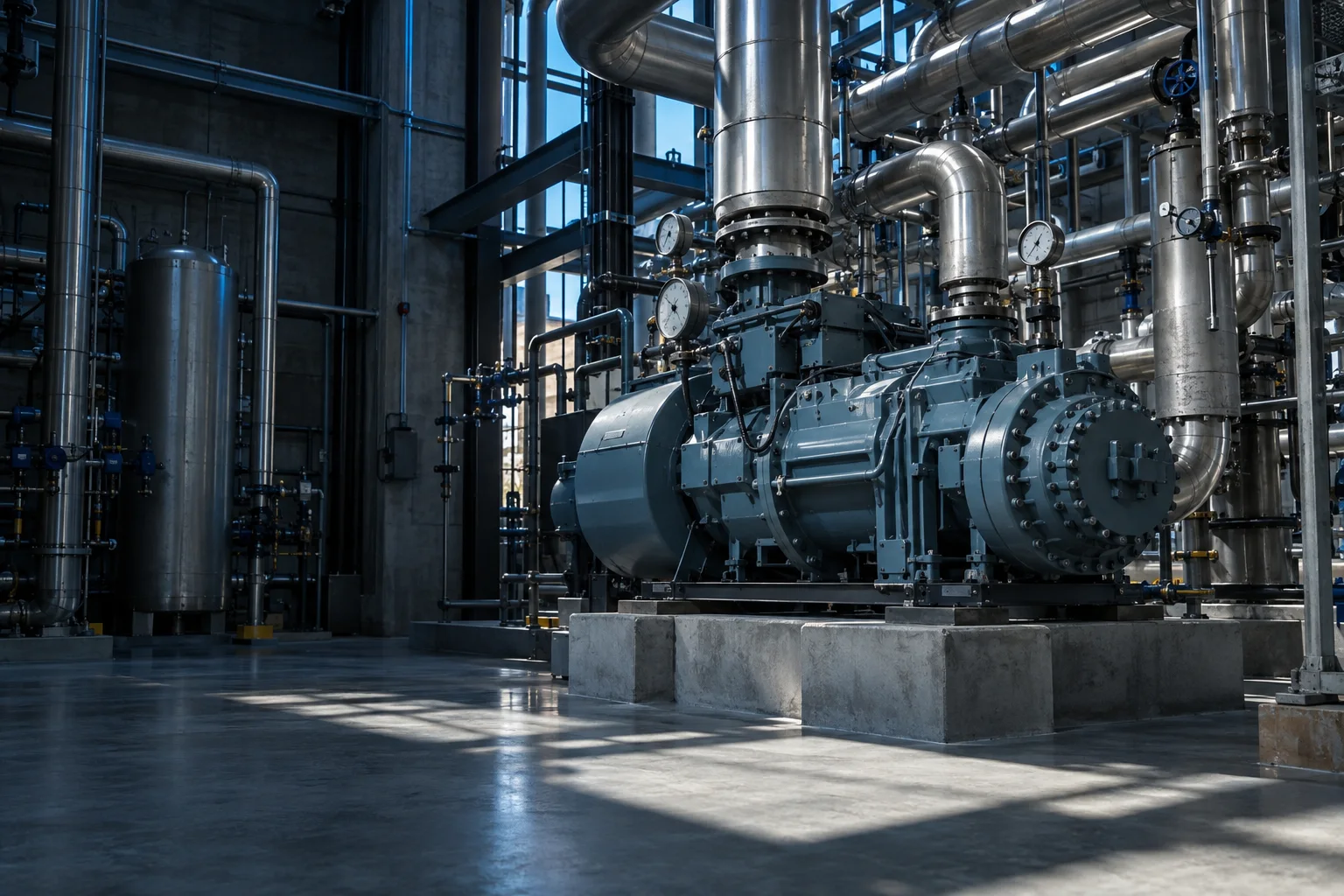
From a missing reading
to a clear next step.
Keep the asset, its recent readings, and the investigation in view as your team decides what to do.
-
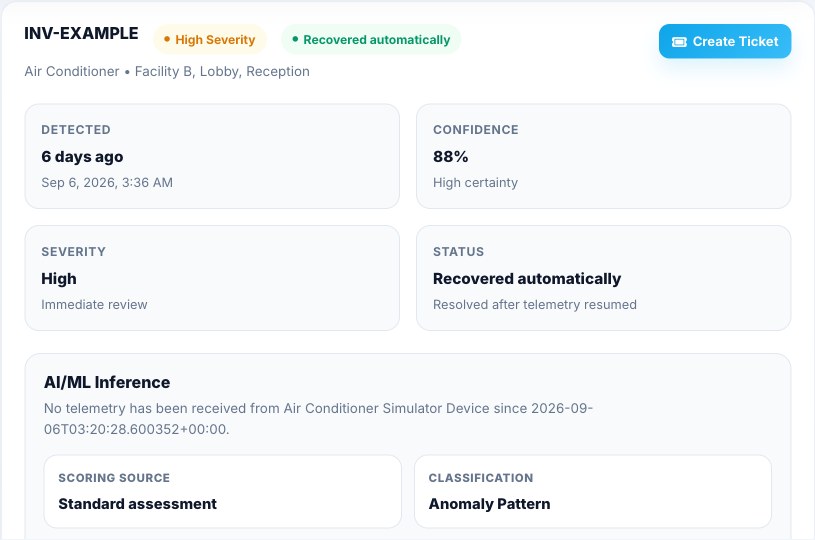
1See the readings
Find the affected asset, its location, and its most recent readings.
-
2Understand the alert
See when readings stopped, what the investigation found, and whether the issue is still active.
-
3Coordinate the response
Create and assign a ticket when the issue needs someone on site.
Models flag unusual conditions and forecast risk. An optional workspace assistant helps your team explore the evidence. See how it works
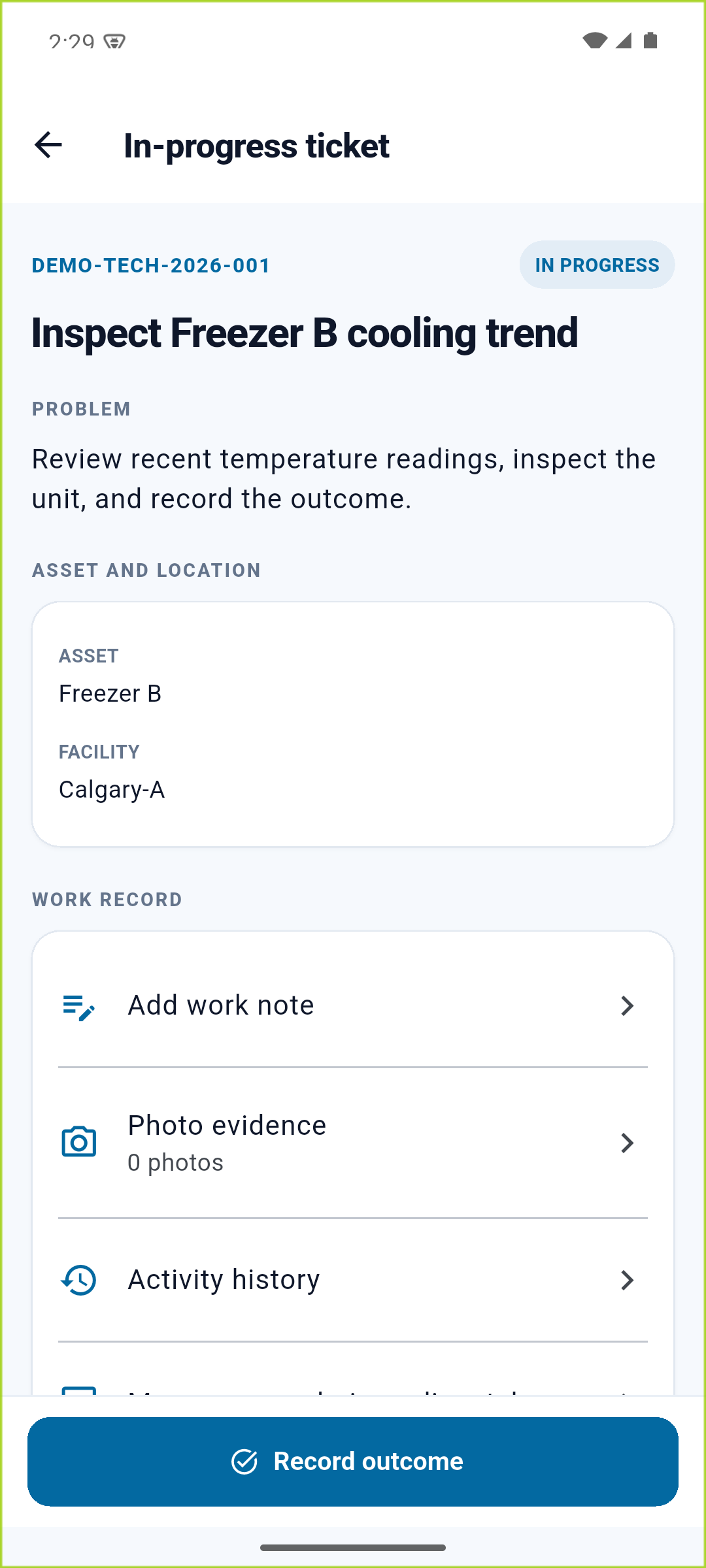
Carry the response into the field.
For an issue that needs a site visit, the technician sees the assigned ticket and asset details in the app. They can add work notes, attach photo evidence, and record the outcome.
See the field workflow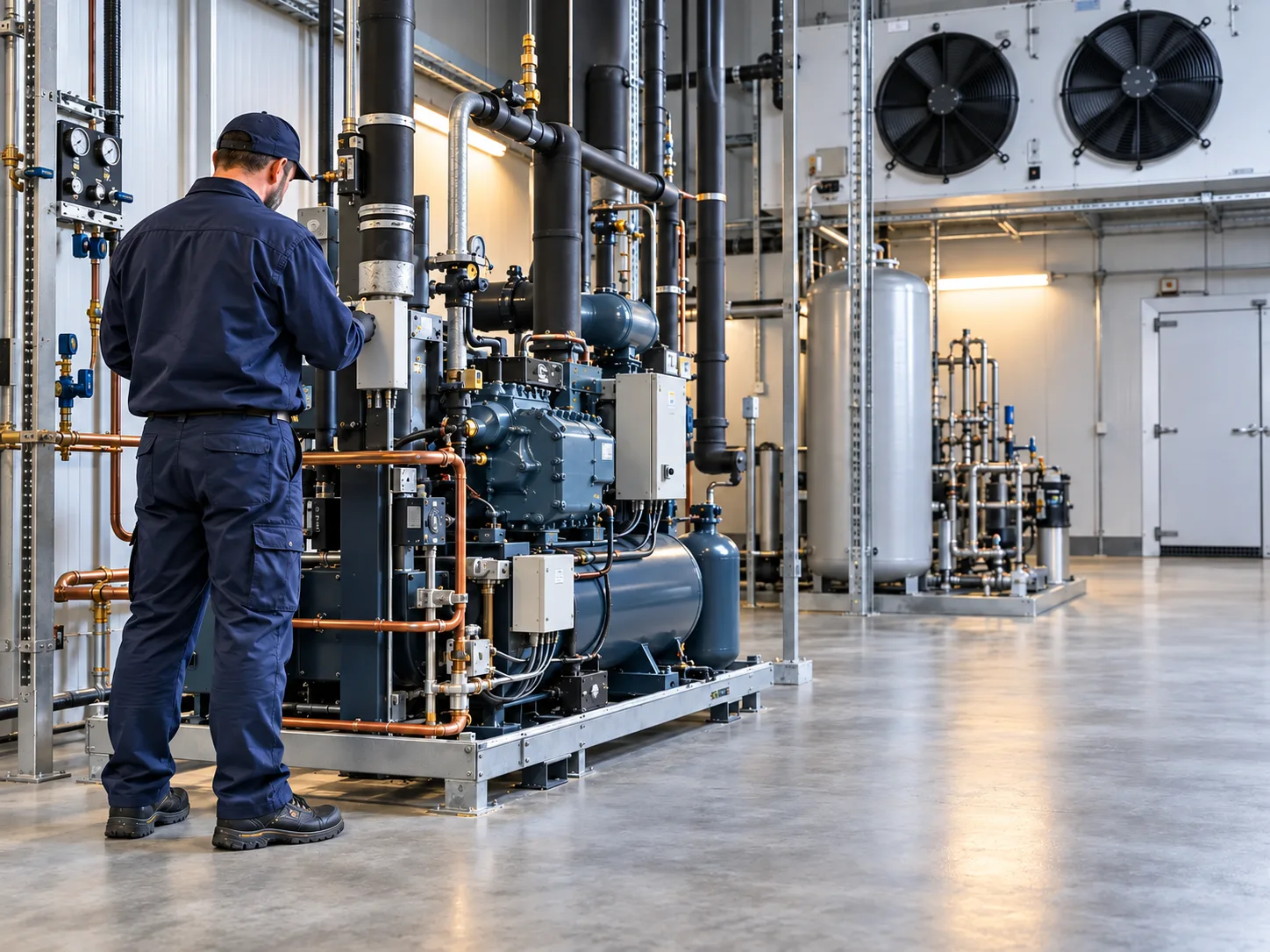
Questions before you start?
Bring us your equipment and response process. We can work through the fit together.
Will it work with our existing equipment?
Compatibility depends on your devices, available readings, and connectivity. Share those details when you request a demo so we can discuss the right integration approach.
What does getting started involve?
Begin with the assets and conditions you want to monitor. We can discuss data sources, site connectivity, and your team's response process before planning a rollout.
What will I see in a demo?
A walkthrough of equipment monitoring, alerts, and related service work, with time to discuss your team's questions and deployment needs.
Can we get help with setup?
Explore our implementation and advisory services, or include your setup questions in your demo request.
See the workflow with your equipment in mind.
Tell us what you monitor and how your team responds today.